
Here’s How to Redeem Your Noom UPID
Follow these steps to redeem your Unique Program ID (UPID) to get access to the Noom app and participate in the DYNAMO Study.
Using your UPID to claim your Noom Account:
You will need access to the Noom app with an account in order to participate in the DYNAMO Study.
Using these simple instructions, you can download the Noom app and create an account without having to enter any payment information.
If you have technical support questions, please contact support@noom.com.
Here are your instructions to get started:
- To redeem your UPID and create a Noom account, go to this website: https://b2b.noom.com/
- Enter your UPID in the space provided. You should have received your UPID in an email from the research team.
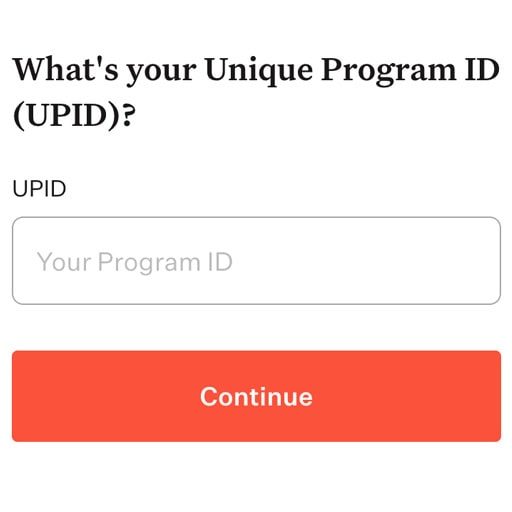
- Create your account on the following screen & enter your profile information. Please be sure to fill out everything as accurately as possible and save your email & password for future reference.
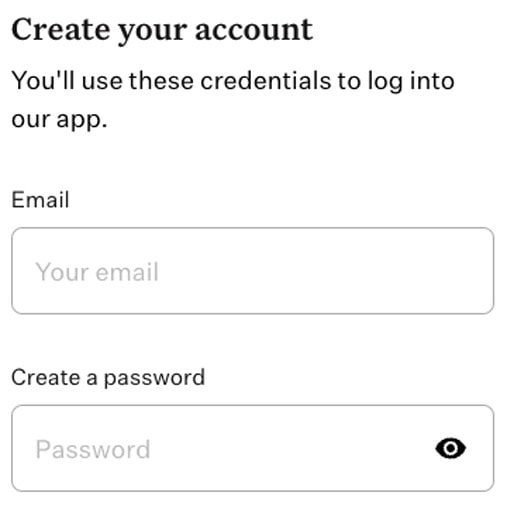
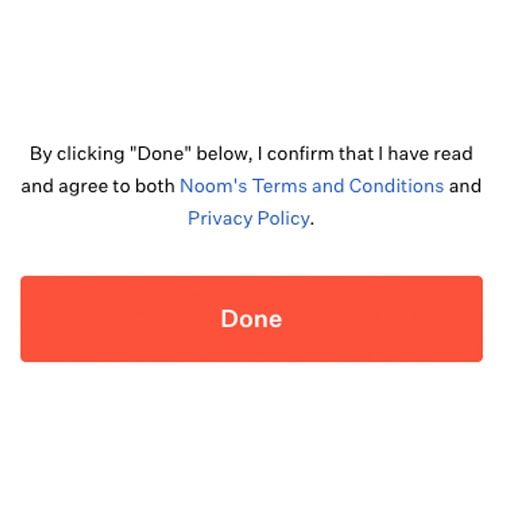
- Click the orange ‘Done’ button once all fields are completed.
- On your phone, go to the app store and download the Noom app.
(Note: if you have already downloaded Noom, you’ll need to delete the app and re-download)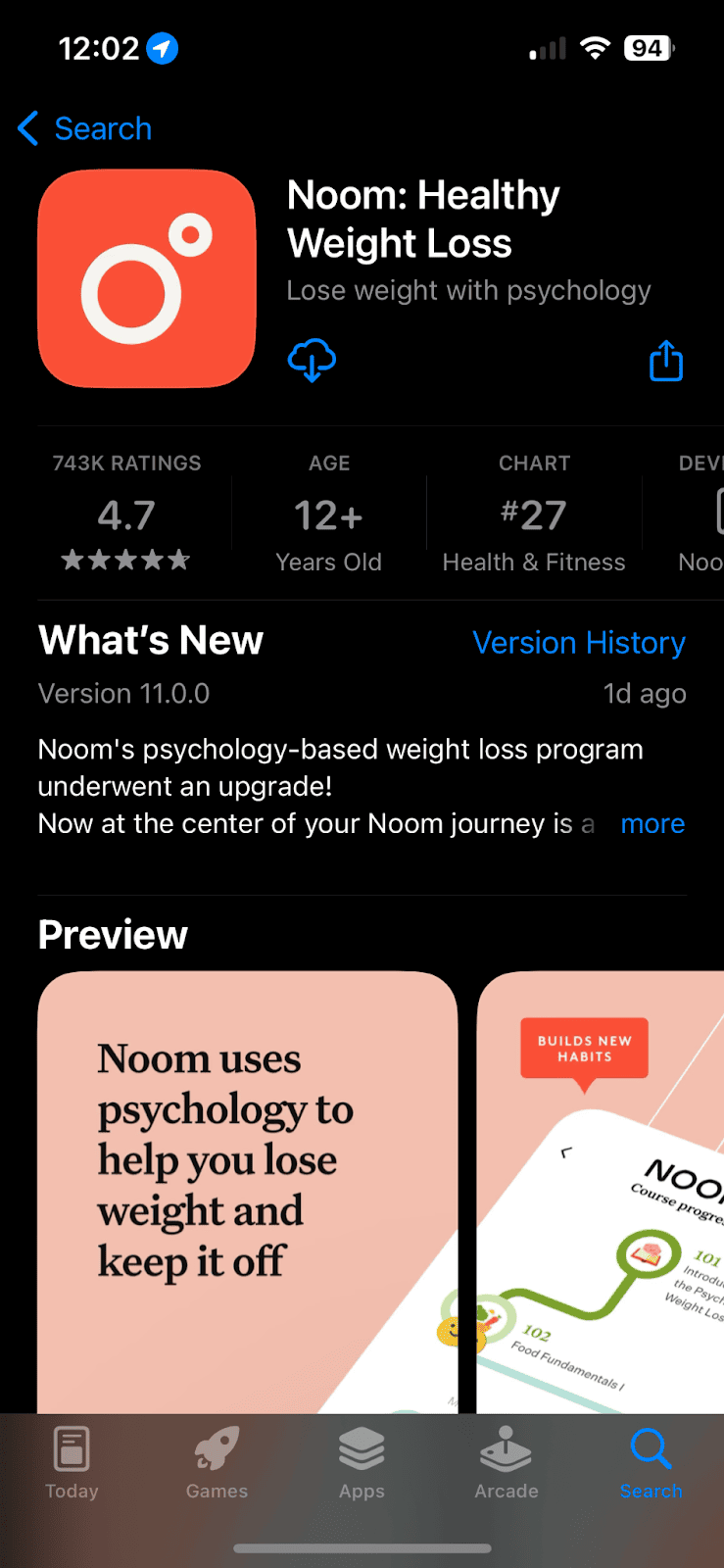
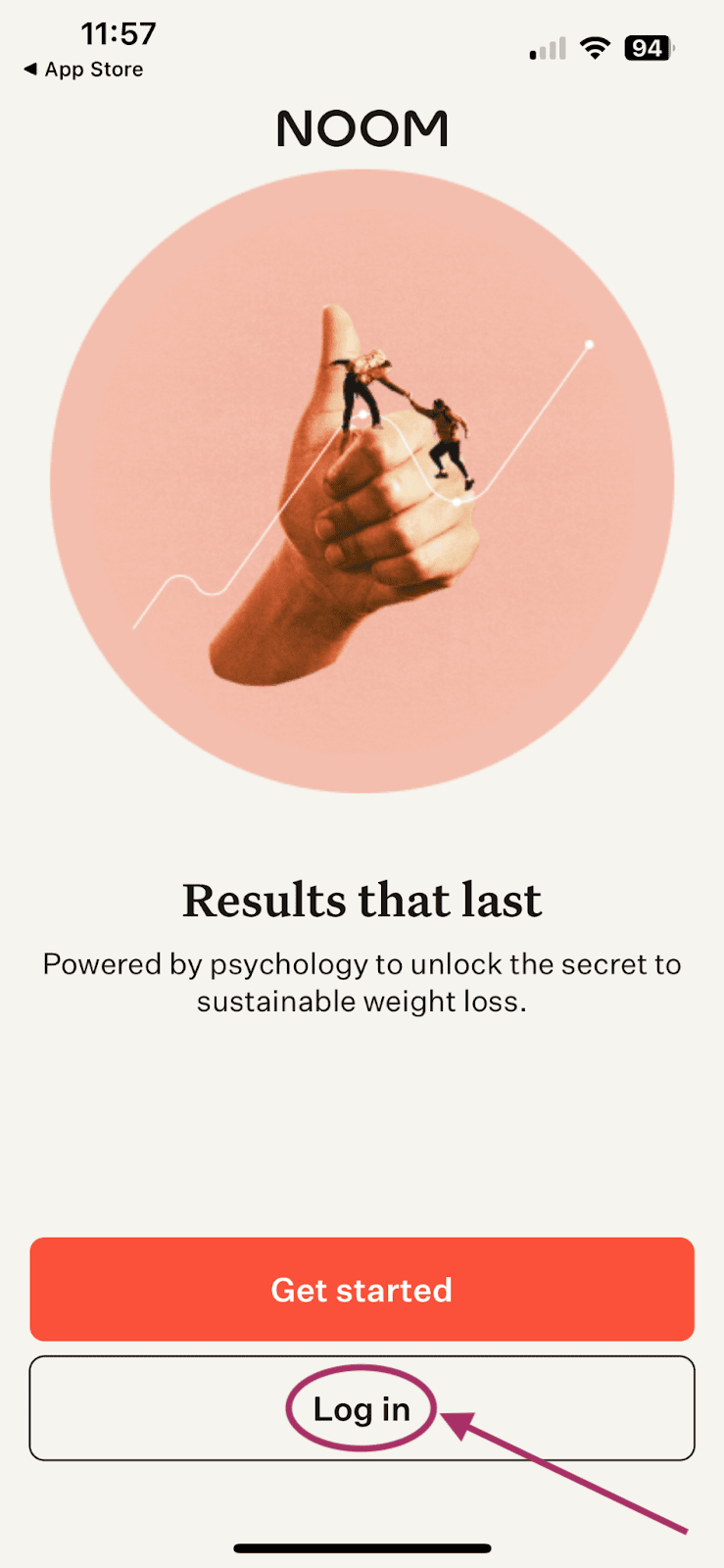
- After you have downloaded the app, go ahead and open it. Click the “Log in” button. (Note: do not click “Get started”, as you have already created an account).
- Enter the username and password that you created on the previous webpage & click “Log In”. You will be logged into your account & can start your journey with DYNAMO Study!
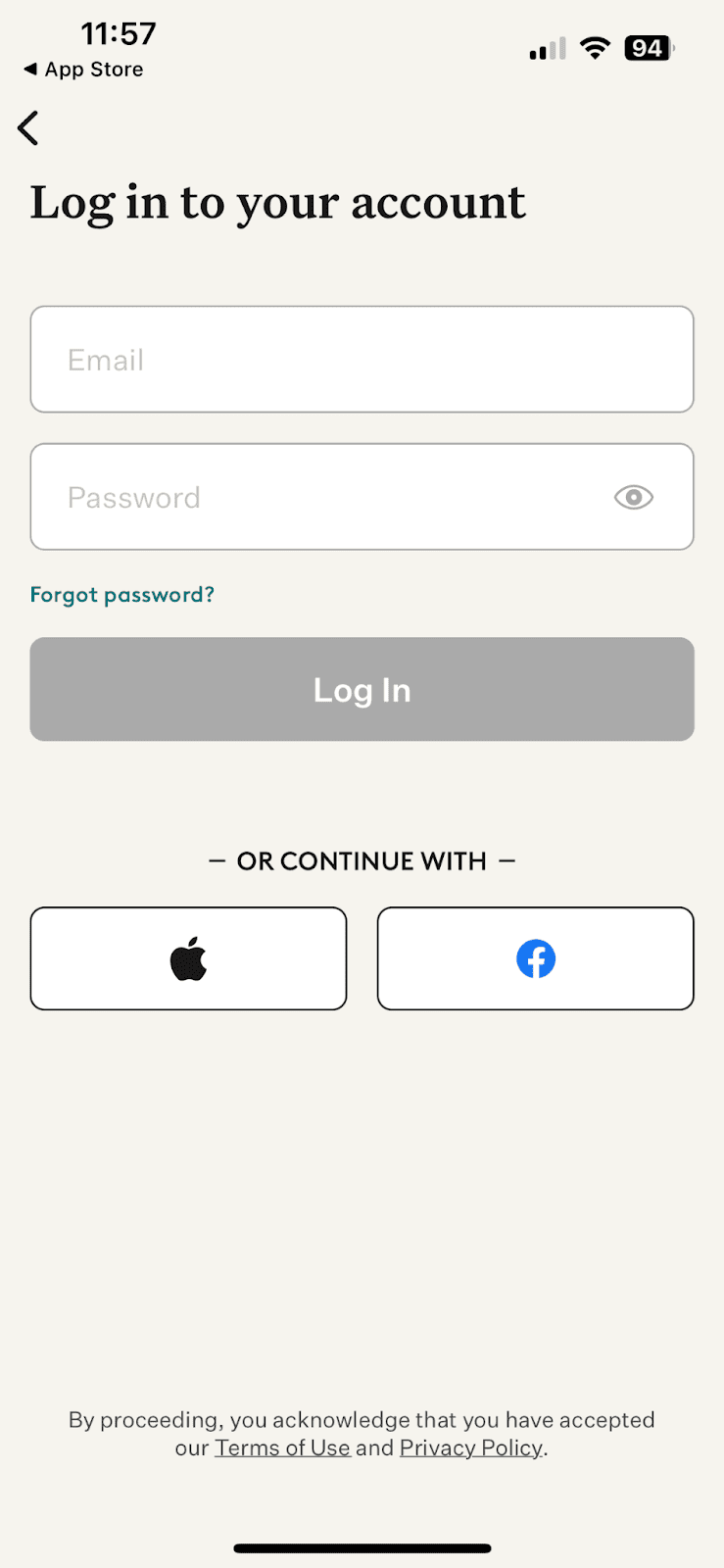
Table of Contents
For help with something specific, check out these links:
